← Go back Case study 02
FindStay
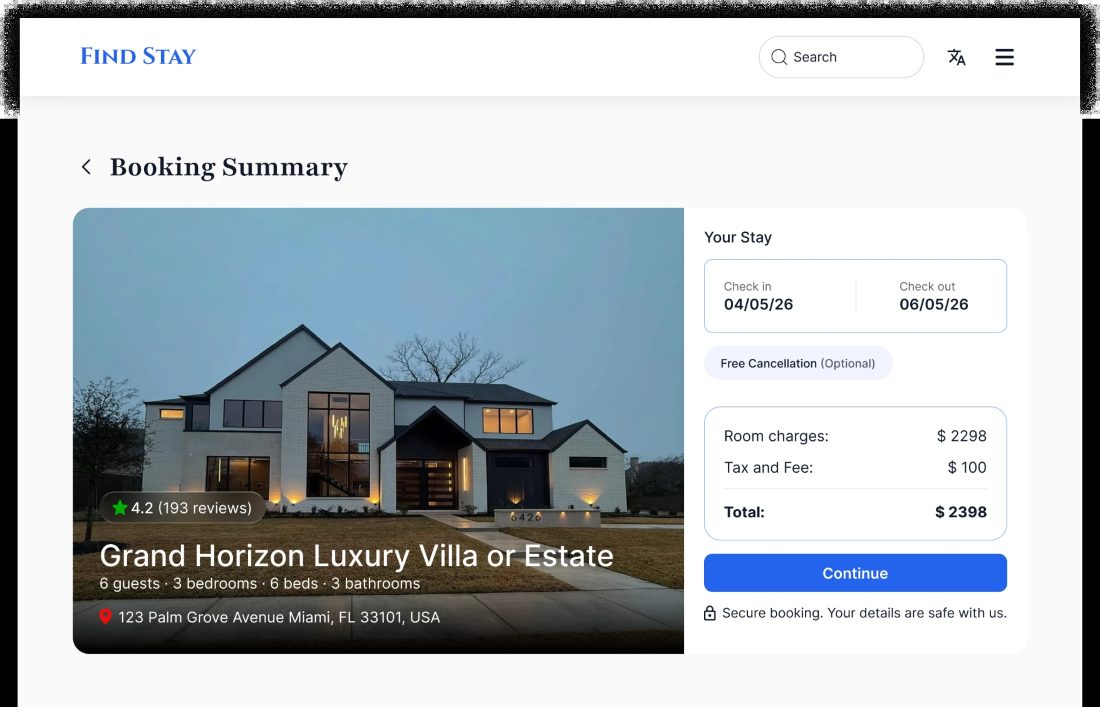
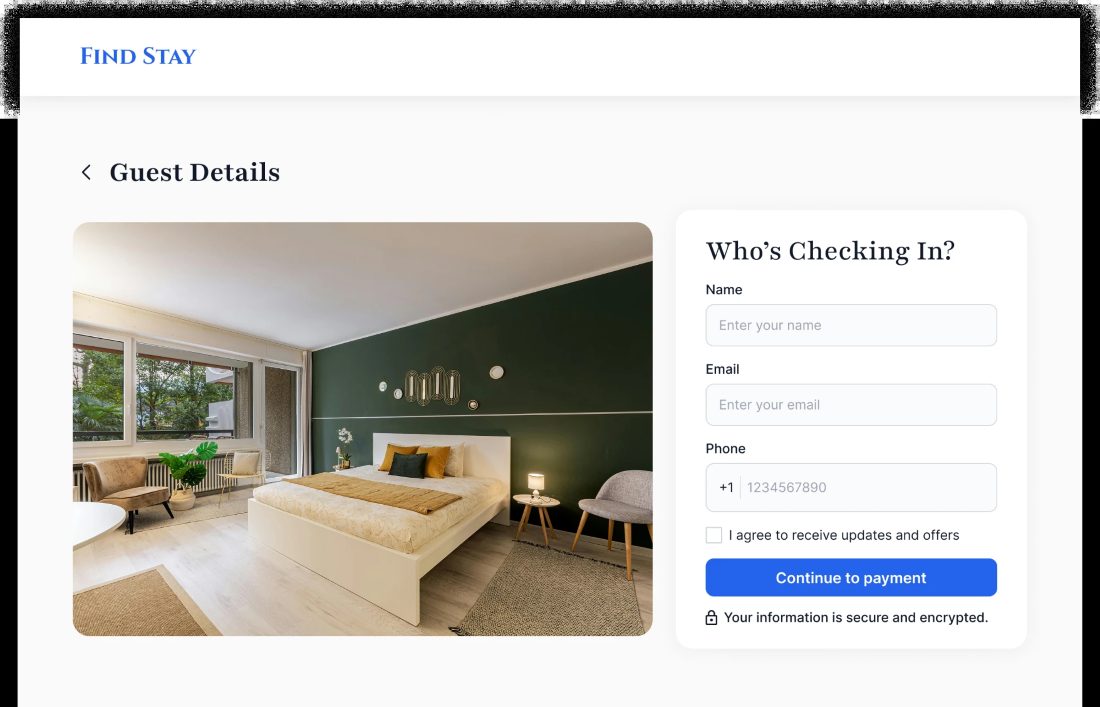
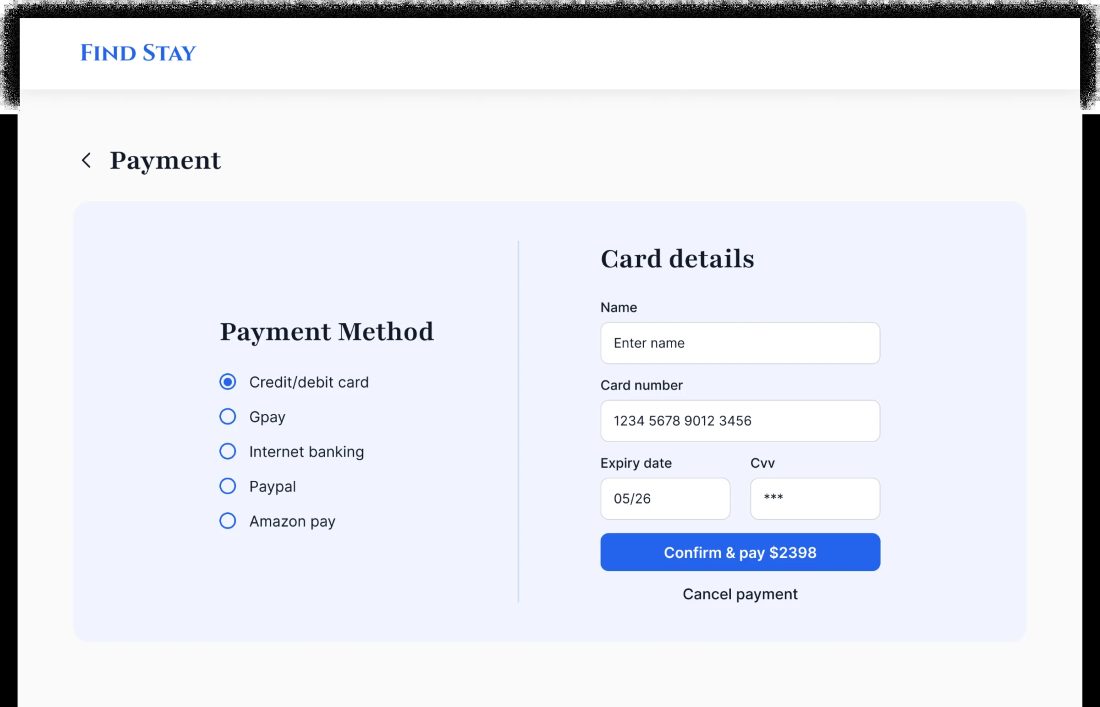
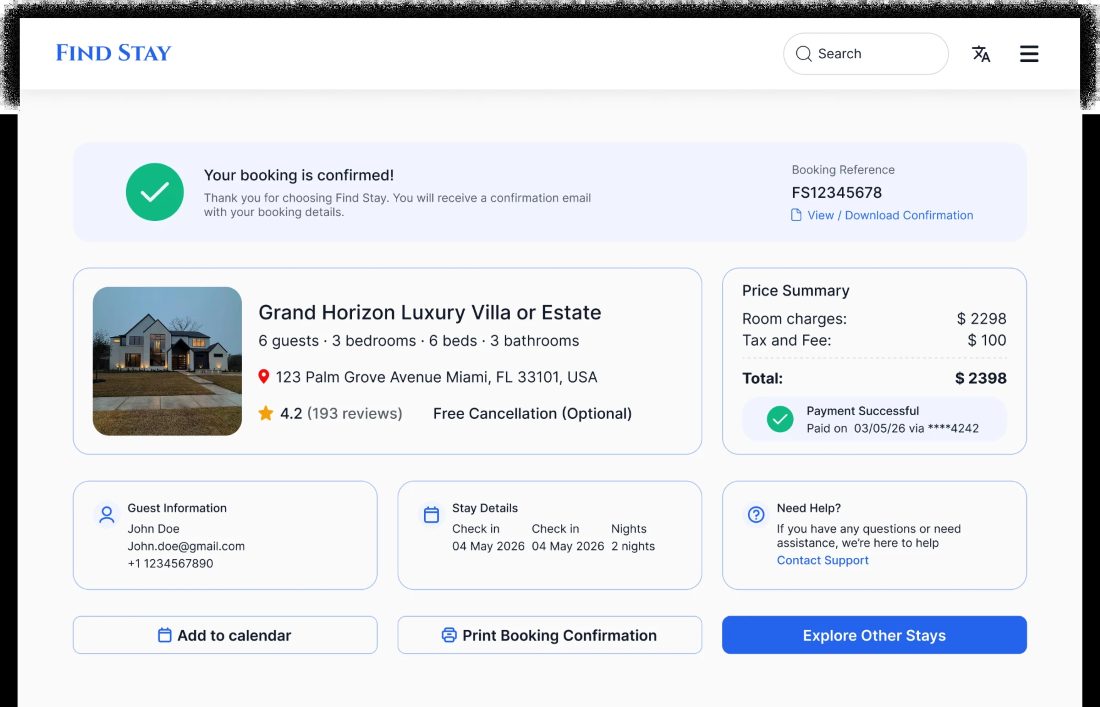
A web application that helps users find nearby stays and services like food, sanitation facilities, during urgent situations.
Problem
People traveling for work often visit unfamiliar cities and struggle to find safe accommodation, nearby food resources, and sanitation facilities.
Solution
FindStay is a web application that helps users find nearby stays and services like food, sanitation facilities, during urgent situations.
Prototype
The FindStay prototype, running here. Click through the booking flow the way a guest would.
Loading the prototype. If it doesn't appear, open it in Figma below.
Screens
-
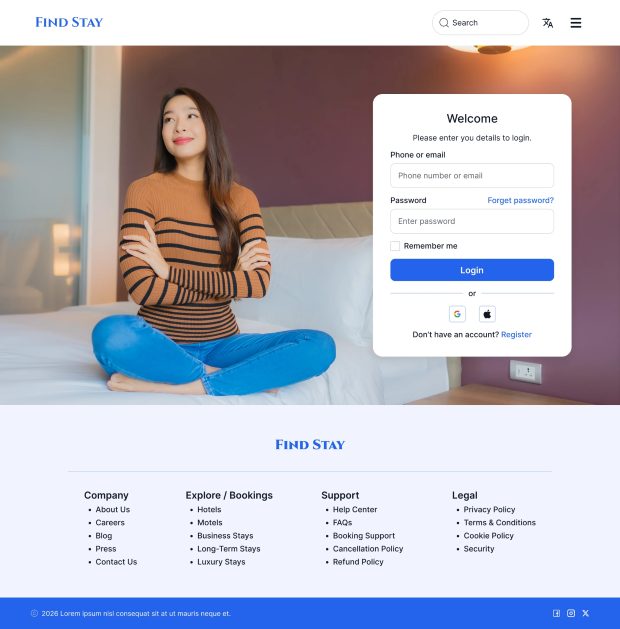 Log in
-
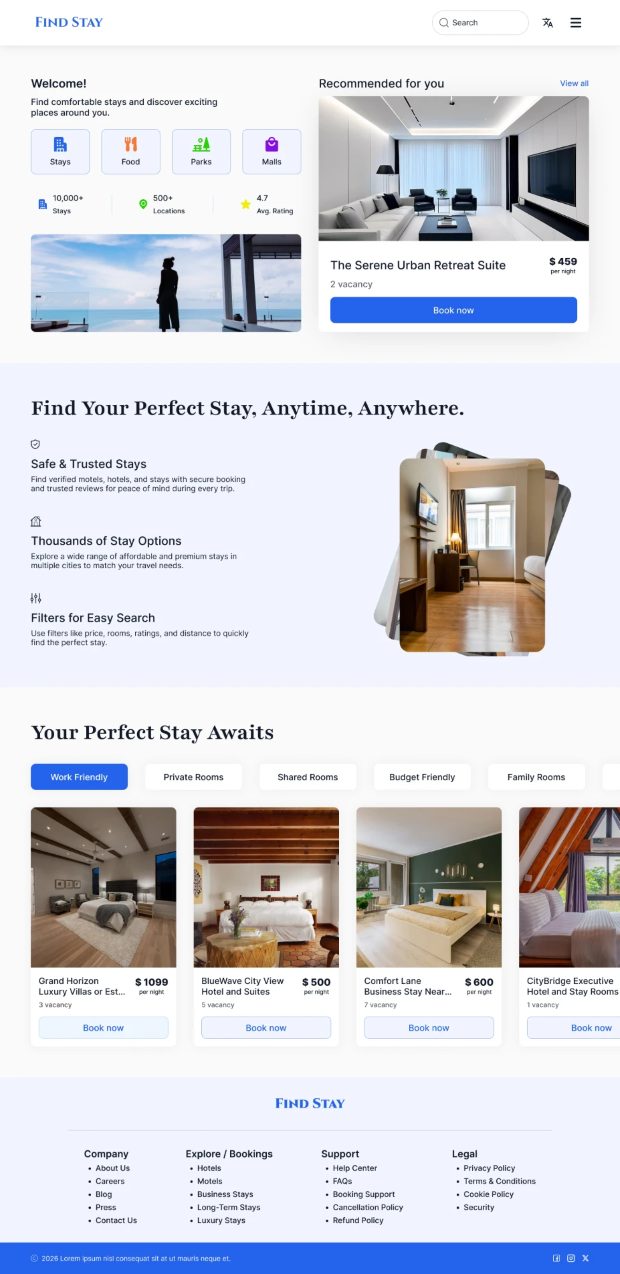 Home
-
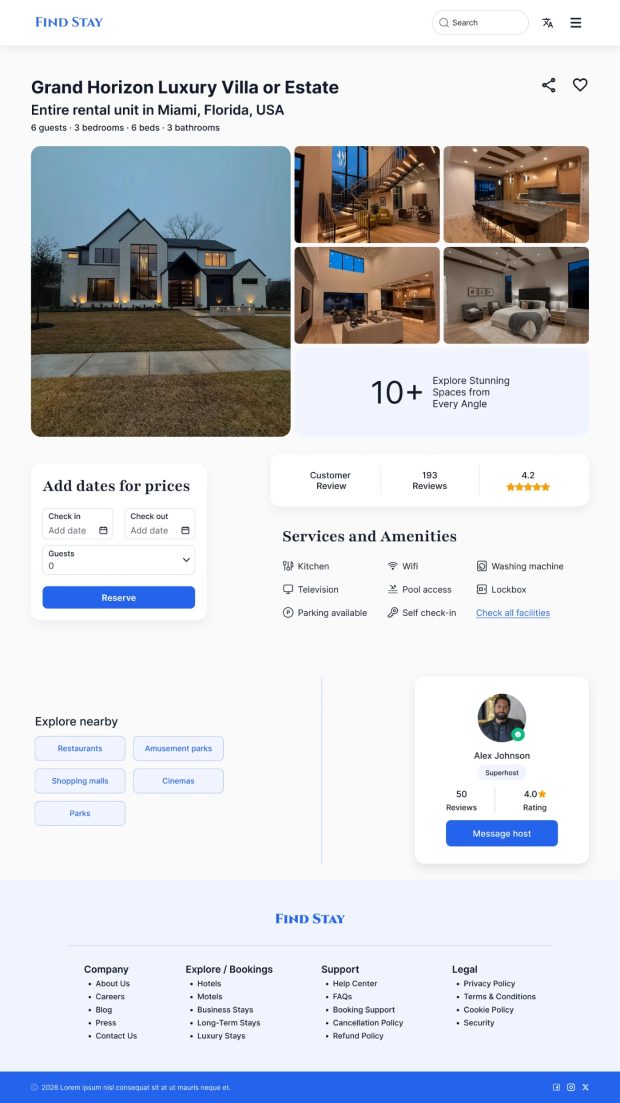 Listing
Role
UX designer, created personas, empathy mapping, user site map and designed wireframes, lo-fi in Figma.
Outcome / impact
- Make it easier and faster to find nearby stays
- Build greater trust in stay information
- Improve visibility into room availability and pricing
Design outcomes
-
01
Smart Stay Filter
Filtering by stay type, room availability, helps users find suitable stay options.
Filter chips sit directly above the results, so the list answers back as you switch. -
02
Clear Room Information
Every card clearly displays stay name, price per night, vacancies, helps users make confident booking.
Capacity, price and rating are settled before a visitor has to scroll. -
03
Nearby Services Locator
Beside stays, the application also helps users locate nearby food resources and sanitation centers during urgent situations.
Explore nearby sits on the listing itself, so services are found in context.
Key learnings & takeaways
- Research before designUnderstanding users and existing applications helped define a good solution.
- Simple navigation winsA clear information architecture enabled faster decisions during urgent situations.
- Filters should reduce effortWell-designed search and filtering help find suitable stays faster.