← Go back Case study 01
EaseUp
A mental wellness app that helps students build healthy habits through mood tracking, breathing exercises, mindfulness activities, daily streaks, and a supportive community.
Problem
Present students experience academic pressure, social anxiety, and emotional stress, especially those who study in high school.
Solution
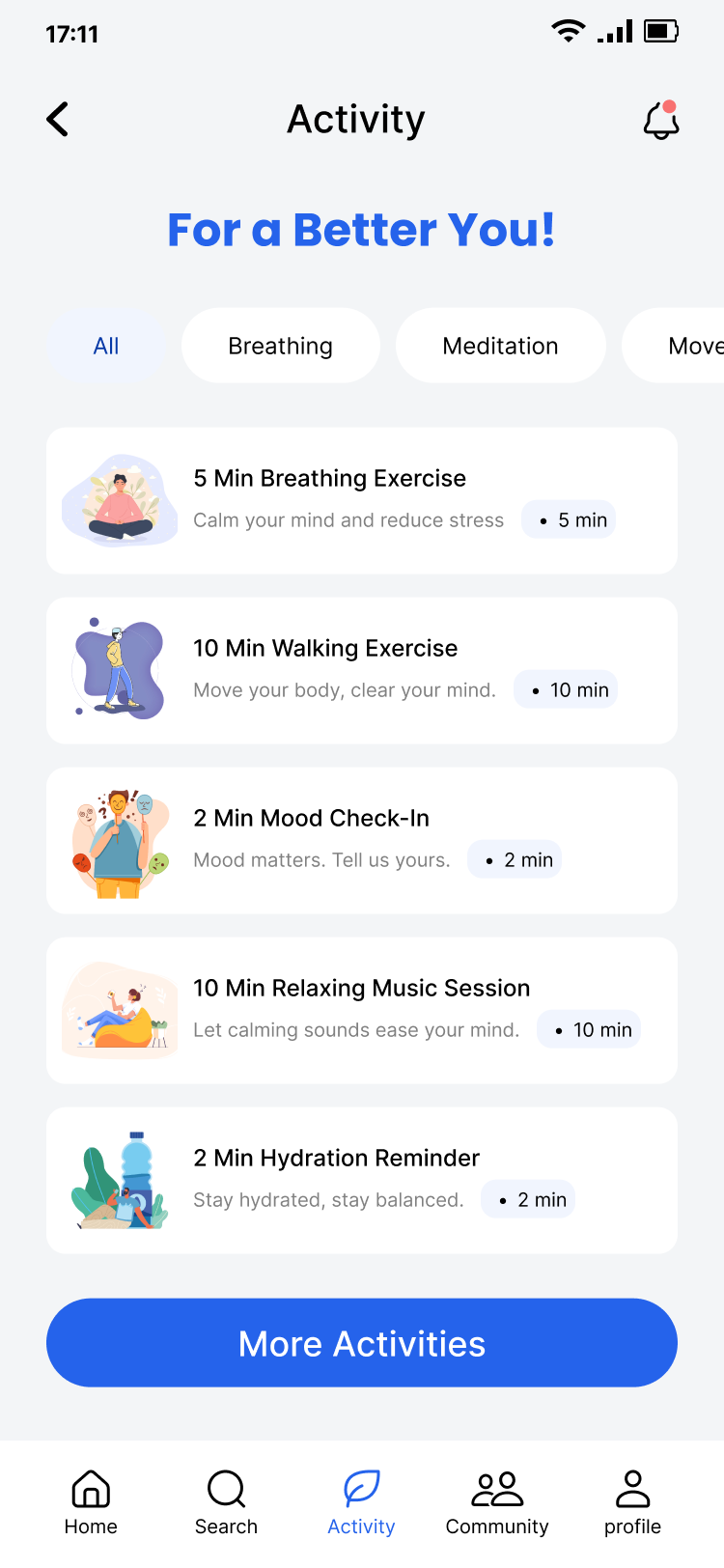
EaseUp is a mental wellness app that helps students build healthy habits through mood tracking, breathing exercises, mindfulness activities, daily streaks, and a supportive community.
Prototype
The EaseUp prototype, running here. Click through it the way you would the app.
Loading the prototype. If it doesn't appear, open it in Figma below.
Screens
-
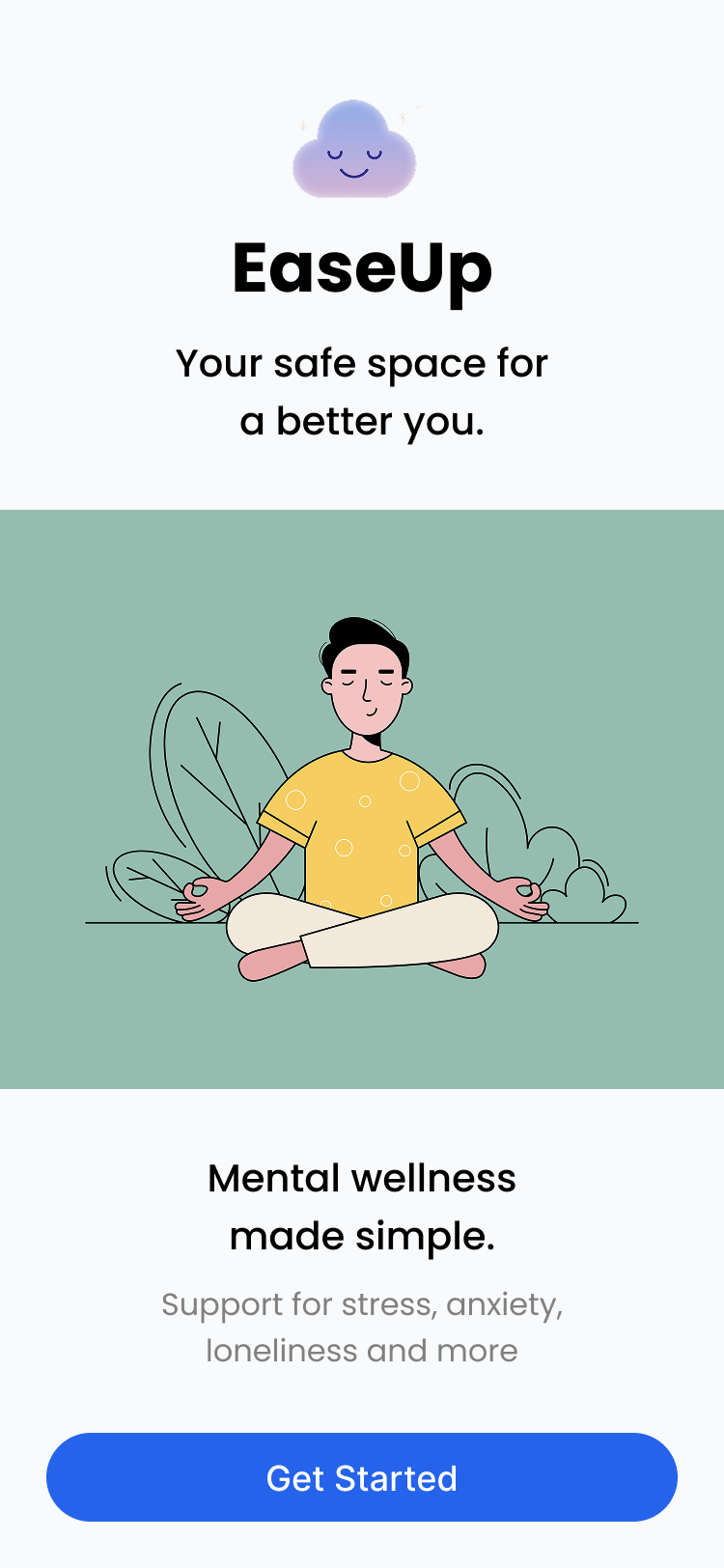 Welcome
-
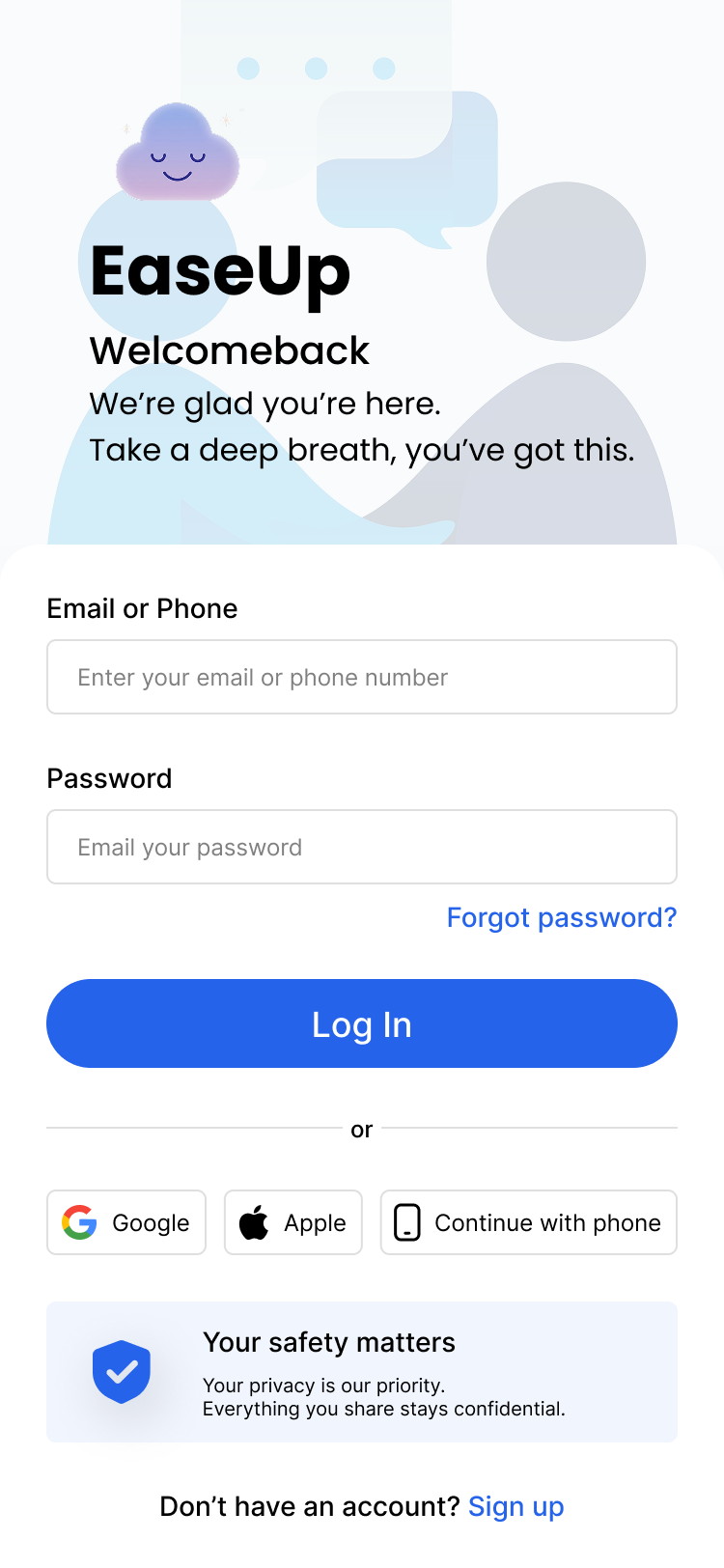 Log in
-
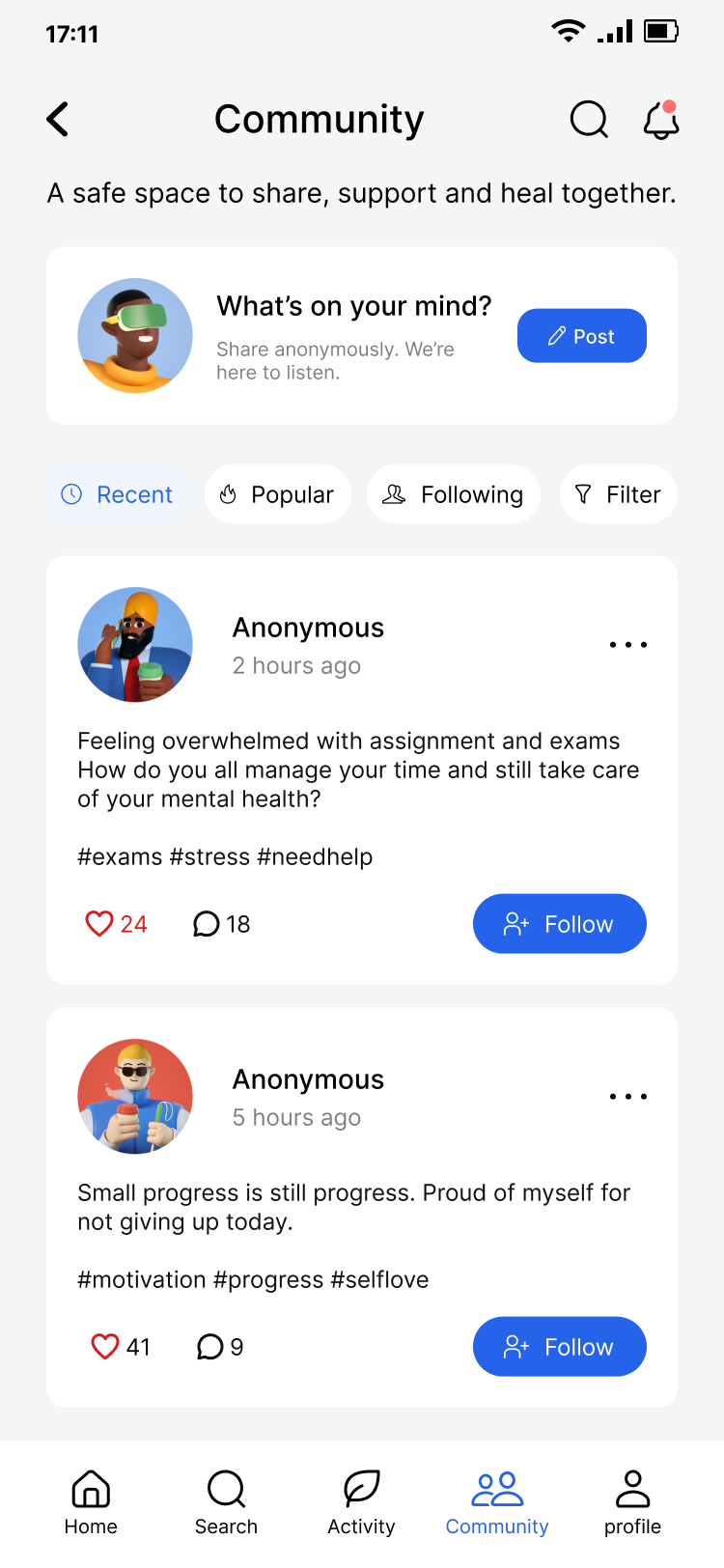 Community
-
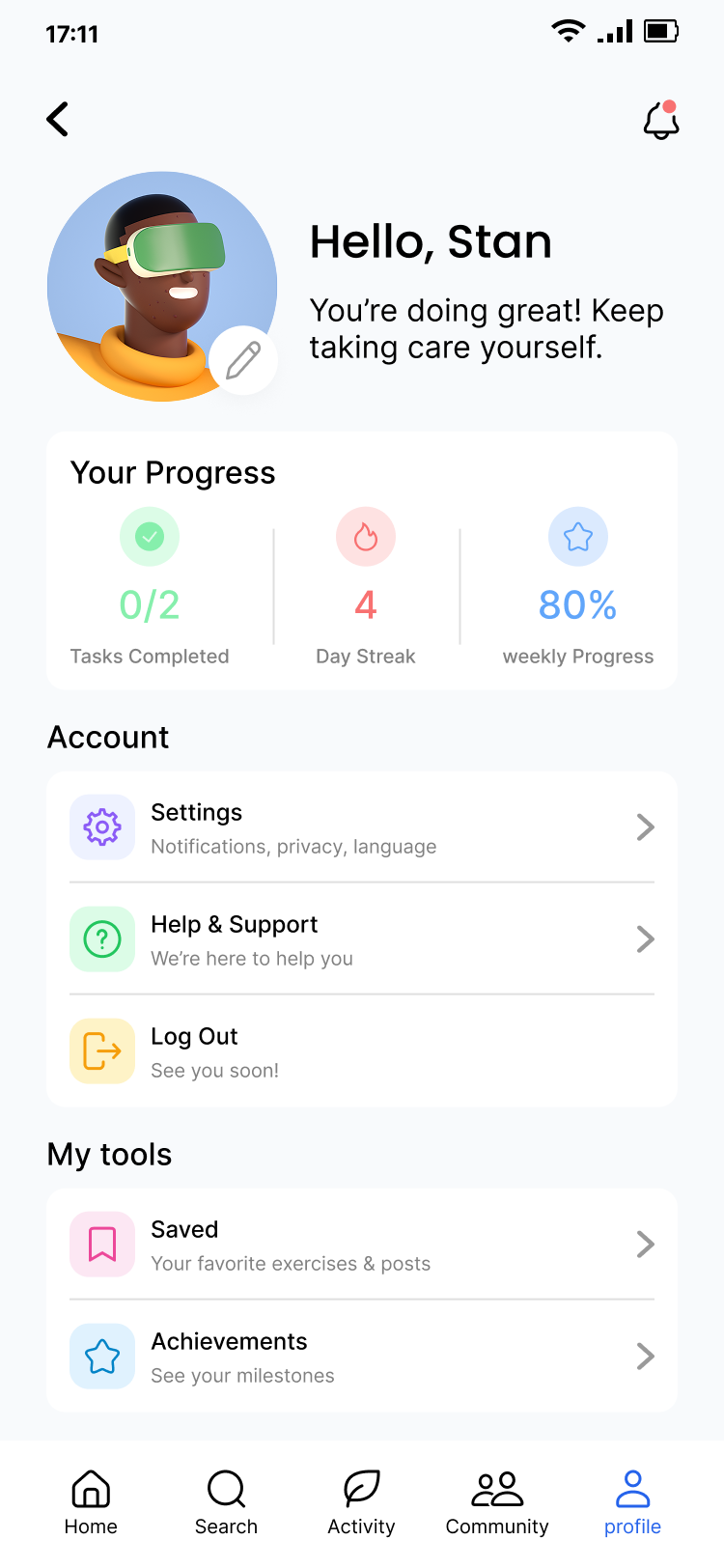 Profile
Role
UX designer, created personas, empathy map, site map and designed wireframes, lo-fi in Figma.
Expected outcome / impact
- Users feel encouraged with mood tracking and mindful activities.
- Reduce stress from academic pressure and emotional stress.
- Creates a sense of community where they feel they belong and can share their emotions.
Design outcomes
-
01
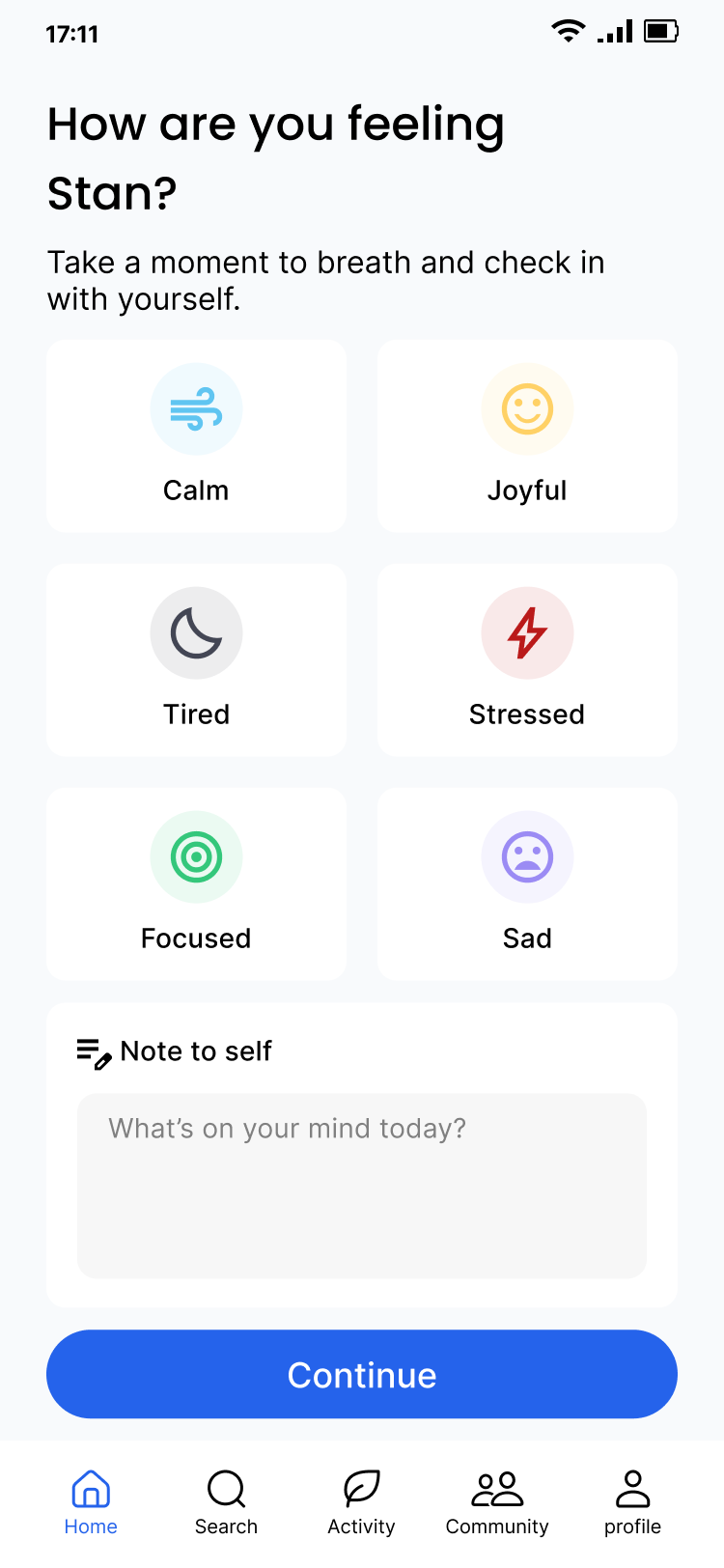
Daily Mood Tracking
Users can quickly track their emotions every day, helping them recognize patterns in their mental well-being.
Six moods, one tap, with an optional note. -
02
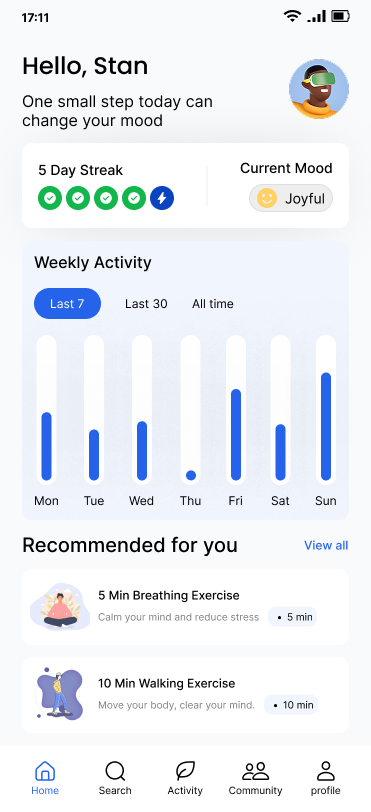
Daily Streak Motivation
A streak system encourages users to build long-term healthy habits instead of occasional usage.
The streak and weekly chart sit above the fold, so a missed day is visible. -
03
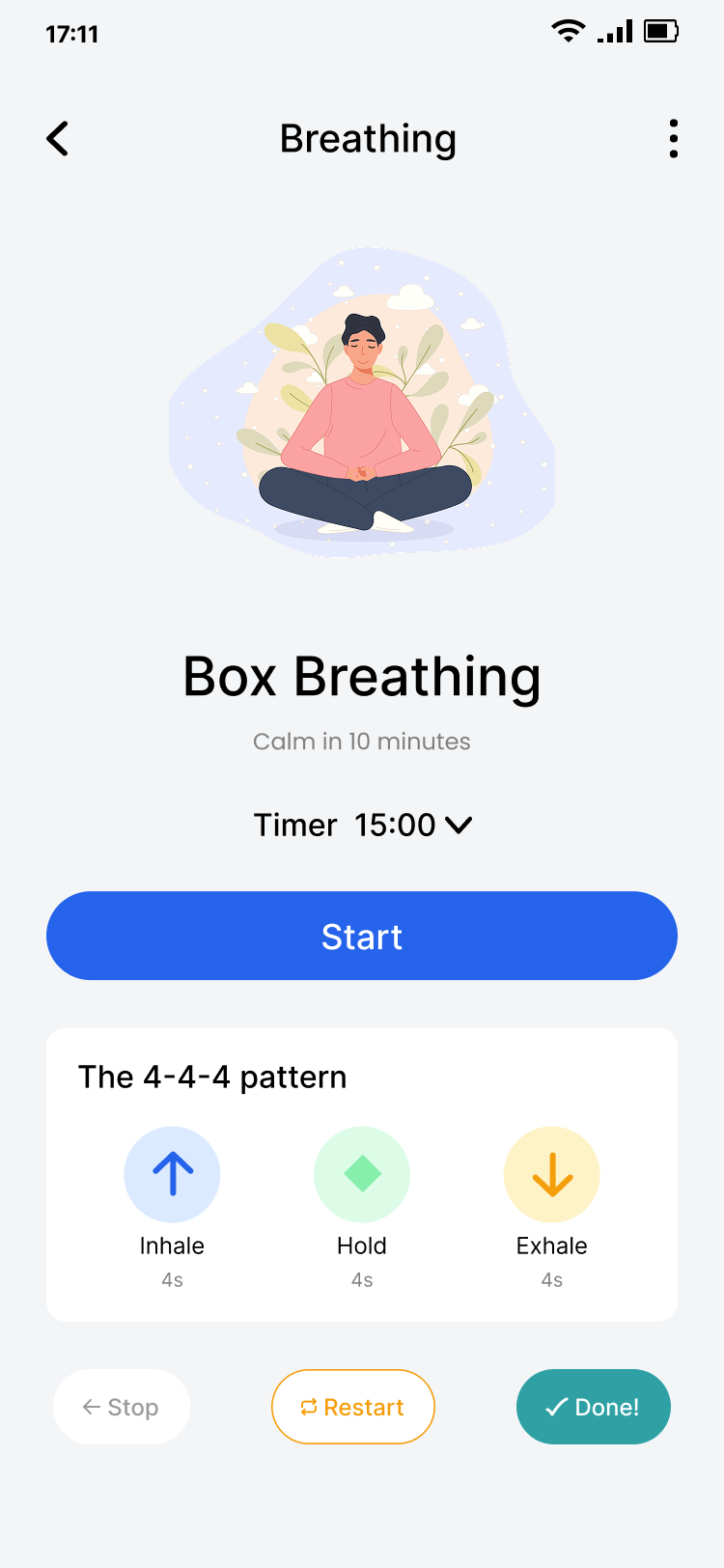
Calm & Accessible Interface
The interface uses clean typography, generous spacing, accessible colors, and simple navigation to create a distraction-free experience.
One instruction on screen at a time during an exercise.
Key learnings & takeaways
- Start with a real user problemPresent students stress and academic pressure became the foundation of the product direction.
- Clear goals create focused featuresThe product stayed consistent by aiming to build healthy mental wellness habits.
- Progress tracking motivates consistencyDaily statistics and streaks reinforce healthy wellness habits and bring them back to the app.